We’re cooked. AI agents are going to take our jobs.
Nah, I don’t think that’s the case. But, these AI agent solutions are getting more powerful and I would start paying attention if I were you.
I’m mostly saying this to myself as well because I saw all these AI agent platforms pop up last year and they were basically just automation tools that have existed (with new branding to get investors excited).
So I held off on creating an article like this. I don’t like trend-hopping.
But, now I think there are a few AI-powered tools that are actually promising. So I went through and tested a bunch over the past two months. And I’m excited to show you all the cool tools I’ve found.
So in this article, I’m going to show you what you need to be aware of when evaluating AI agent builders and then go over some of my favorite ones.
Okay, no more rambling. Let’s get into it.
What is an AI agent platform?
An AI agent platform (also known as an artificial intelligence platform) is software that allows you to create, deploy, and manage any AI agent. These autonomous programs are generally no-code or low-code tools that help you automate repetitive tasks in your everyday life.
Today, tech workers mostly use AI agents to help automate routine tasks. Think of it this way: if you can create a list of steps to accomplish a specific task, that you would have given to an associate or intern, AI agents can now do them.
If you can create a step-by-step process for doing something, it can be automated. And that is the ultimate goal of AI agents.
On the plus side, AI agents for business will help you do a lot more with fewer people. This is great if you're a solopreneur or freelancer. What you would have given to a virtual assistant can now be done with an AI agent platform — and they don’t need coffee breaks (although who doesn’t love those).
Now that we know what these tools are, let me go over some things you should be aware of when evaluating AI agent companies and how to know if they make sense for you.
What to look for in an AI agent platform
We all know that artificial intelligence is here to stay and grow. Innovation is inevitable. But, with any new technology, there will be opportunists who look for a quick cash grab.
Today, many AI platforms that advertise themselves as 'AI agents' aren't really all that promising (or anything new). But, there are a few new tools in the recent months that have come up and I am so excited about it.
I wanted to write this article a year ago, but I felt it wasn’t a good idea because I don't like deceiving people. But now that these tools have evolved more, and I’m actually being mind-blown by many of them, I'm here to give you a list of AI agents I've tested in real-world workflows and truly believe in.
But before we dive into that, let’s talk about some things you should be aware of when going through these tools.
Here’s what you consider when signing up for an AI agent builder:
- Integrations with LLMs and APIs: When evaluating AI agent development tools, you hands down need to find a builder that can integrate easily with a wide range of LLMs (large language models) and software APIs. ChatGPT, Claude, Gemini, or any other open-source or proprietary LLM — the AI agent platform needs to integrate with these. At the same time, you need a tool that can integrate with a wide range of software in your tech stack. This way, you can combine your software tools with the AI capabilities brought by LLMs.
- Costs and credits: AI tools can get expensive. This is mainly because they work on a “credit” basis. Each API call to an LLM or software tool costs money. Albeit it’s pennies. But these add up. Make sure you understand the pricing structure. For example, some of these tools require you to integrate with your own OpenAI API, while others eat the cost and have native LLM integrations. Just be aware of this.
- Autonomous task execution: You want to make sure whatever AI agent platform you use has the ability to run complex tasks automatically based on your inputs, without you having to get involved. Some of these platforms will allow you to set the frequency at which you want these programs to run and even handle decision-making on your behalf. Just be aware of the ones that do and don’t.
- Speed: These tools use a lot of energy. Because they’re bouncing between different API calls, some of them will execute tasks kinda slower than others. Make sure to test out trials of each tool and run some complex workflows to get a feel for how fast (or slow) they are.
- Security: It’s no secret that AI tools, like LLMs, work because they are trained on millions of data points and documents from the past (and present). If you have sensitive data or information that you don’t want to get leaked, make sure the tool you use will not use your information as training data.
- Community & support: Lastly, make sure the platform you use actually cares about your success. What I mean by this is that you want to find a tool that has amazing customer support and resources to help you when you get stuck or confused. If you can find a community of people using the tool on Reddit or Slack, even better.
Okay, now that we know what to look for, let’s go over some of my favorite AI agent platforms and builders.
13 best AI agent platforms your team should be using
Here are my top picks for the best AI agent platforms:
- Gumloop
- Relay.app
- Claude Code
- Cofounder
- Make
- HockeyStack
- Stack AI
- Voiceflow
- OpenAI's Operator
- Devin AI
- AirOps
- Zep
- Postman
Alright, let’s dive deeper into each of these AI agent builders.
1. Gumloop
- Best for: Marketing teams (SEO, ads, web scraping)
- Pricing: Free plan, then starts at $37 per month
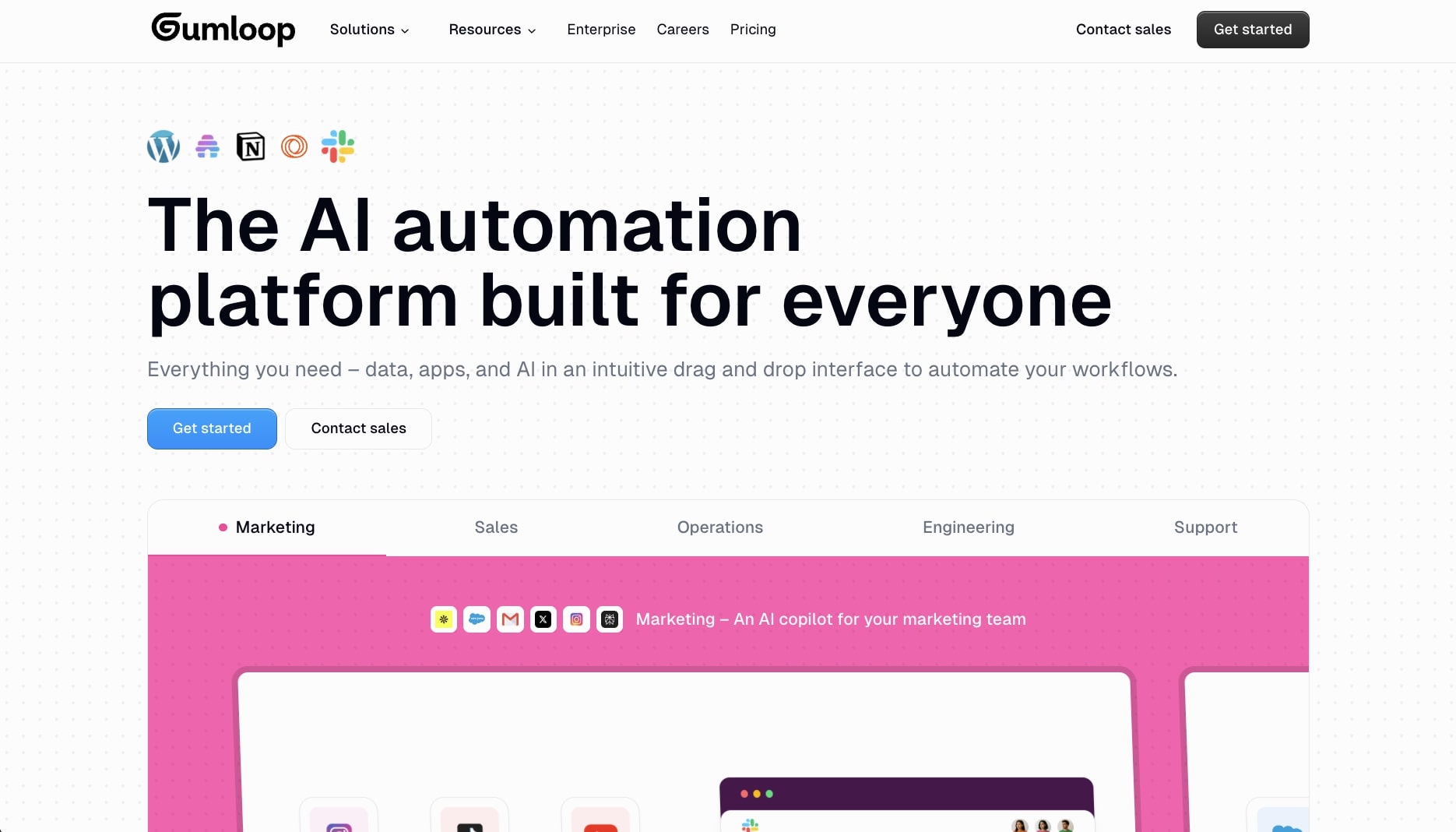
Number one on our list is Gumloop. Founded in 2023 by two Canadian prodigies, this AI agent platform has quickly become one of my favorite tools in recent months.
At its core, Gumloop is a no-code AI agent builder that allows you to automate any workflow in a visual interface. If you’ve used Zapier, or know what it is, Gumloop is like that but with an AI-first approach. I would describe it as if Zapier and ChatGPT had a baby.
Gumloop works through four parts:
- Nodes: These are elements you drag onto a canvas. Think of different software tools and LLMs.
- Flows: These are the connections you make between nodes to create an automated workflow. This is the main value of Gumloop.
- Subflows: These are flows that you can isolate and use as part of a bigger workflow. It’s like a Flow within a Flow. This part blows my mind because I have yet to see another AI agent software do this.
- Agents: These are fully autonomous agents that you create once and you can chat with to have it do whatever task you need. All you do is give the agent some instructions on how it should behave and it’s main purpose, select from premium AI models you want it to run on, and connect your existing apps (so the agent can run tasks) either via MCP servers or built in Gumloop integrations.
Gumloop also has a wide range of templates you can use to automate different workflows. This is what I think makes it different from some other AI agent builders. Right away, you can see the different use cases and what you can do with the tool.
I also already wrote a full Gumloop review on this blog if you want to go check that out. So, I’m not going to go into much detail in this post to keep it fluff-proof.
To be honest, I’m really excited about this tool. And they did not pay me to say that. But, Max (the CEO) is extremely nice and gave me a promotional code. He allowed me to share it with my readers too, so if you want 20% off your monthly subscription, use the code MARKETERMILK at checkout.
Gumloop pricing
Gumloop has a freemium SaaS pricing model. You get 1,000 free credits when you complete the onboarding process. After that, you have a few different paid plans you can pick from that are based on credit usage.
Here are Gumloop’s pricing plans:
- Free: Gives you up to 2,000 credits.
- Solo: Starts at $37 per month with 10,000 credits.
- Team: Starts at $244 per month with 60,000 credits.
- Enterprise: Unlimited everything, request pricing from their website.
Overall, this is a great AI marketing tool to check out if you work in marketing and want to automate parts of your job.
Related reads: Gumloop vs n8n: An honest comparison
2. Relay.app
- Best for: Agencies, service providers, or customer success teams
- Pricing: Includes free plan, then starts at $38 per month
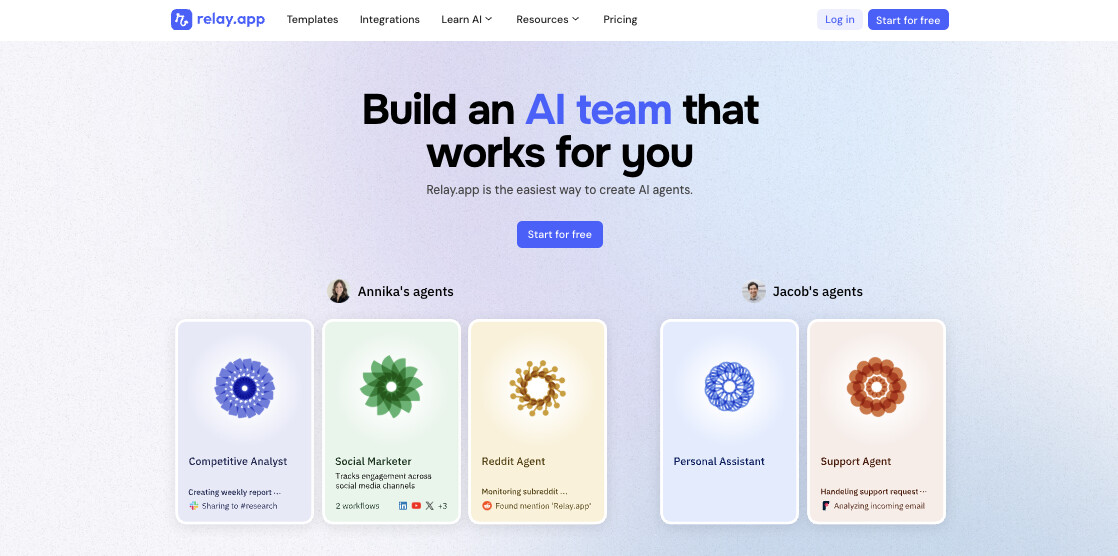
Founded in 2021, Relay.app is a clean and simple AI agent builder designed to help automate different workflows in your agency, firm, or freelance business.
It’s very similar to Gumloop in how visually appealing and nice it is to use. There are also tons of app integrations built in, so it makes it easy to connect with other tools you may already be using or paying for.
They also have an inspiration gallery so you can see examples of different workflow automations and intelligent agents you can create. For example, you can create an AI Discord bot with DeepSeek. Or, you can create an AI agent that enriches your CRM contacts with their personal LinkedIn information.
It’s a great tool if you run an agency and you deal with a lot of leads and contacts. It’s also great for customer success teams if they want to automate some of their support tickets.
Relay.app pricing
Relay.app has a free pricing plan and it also works on a credit usage basis.Here are Relay.app’s pricing plans:
- Free: Free for up to 500 AI credits.
- Professional: Starts at $38 per month for 5,000 AI credits and 1 seat.
- Team: Starts at $138 per month for 5,000 LLM credits and 10 seats.
- Enterprise: A custom plan based on your needs. See pricing here.
You can also get a 20% discount if you pay for an annual plan upfront.
Relay.app ratings
Here’s what customers of Relay.app rate the platform on 3rd-party review sites:
- G2: 4.9 out of 5-star rating (from +75 reviews)
- Capterra: 5 out of 5-star rating (from +1 review)
3. Claude Code
- Best for: Complete flexibility for building custom agents
- Pricing: Free plan, then starts at $20 per month
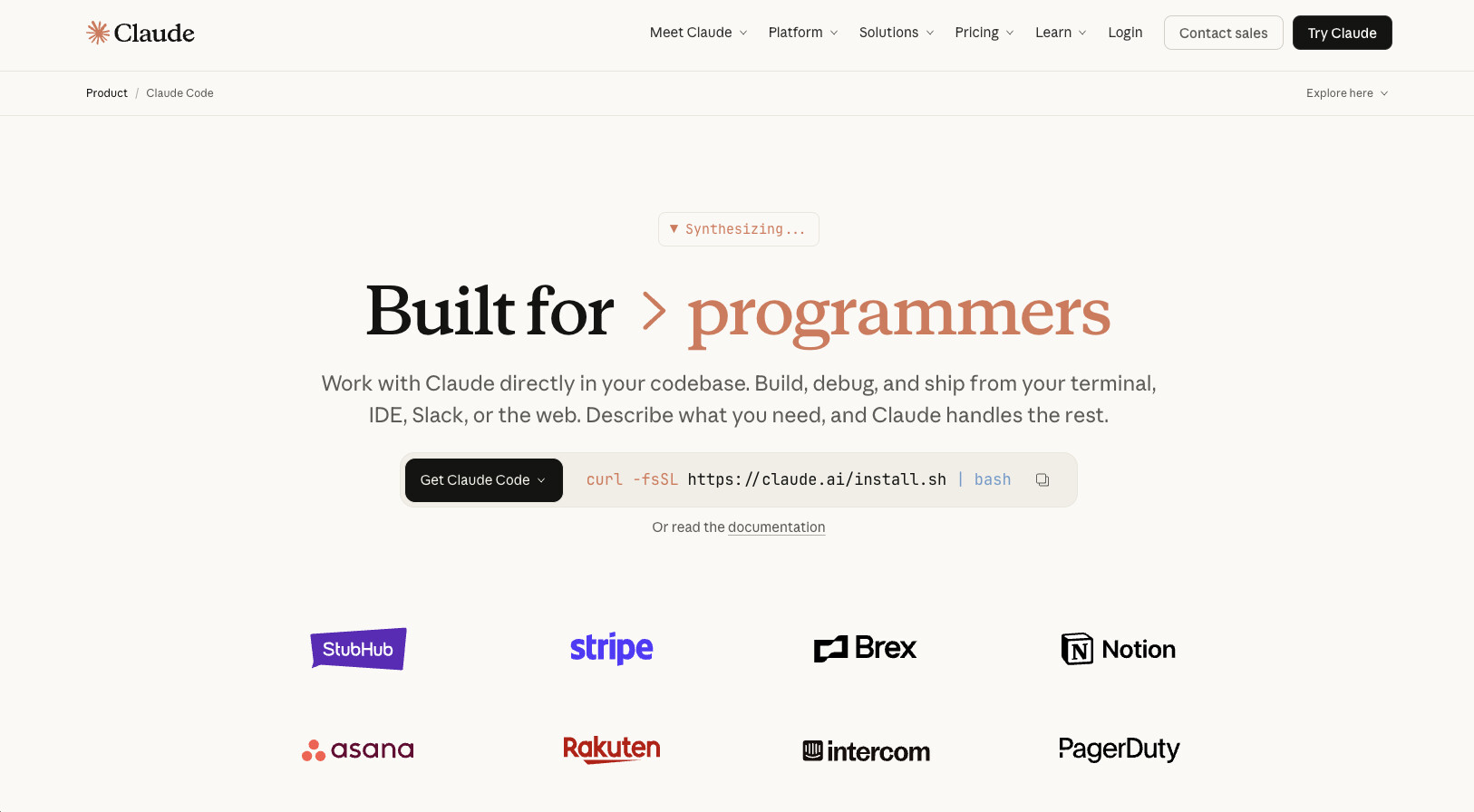
Everyone's talking about Claude Code. And it's with good reason. I literally use it every day. But how does it fit into the whole AI agent builder category?
Claude, created by the AI research lab Anthropic (who was founded by early OpenAI employees), has evolved from a simple ChatGPT alternative chatbot to a full-blown agent.
There are three parts to Claude as a product now: Chat, Cowork, and Code. When it comes to building AI agents, you can go down the technical route or the non-technical route.
If you go the non-technical route, you can use the chat feature. But you can create skills to add to the instructions of your projects in Claude. And then you can also use MCP connectors to run full agentic workflows.
This is how I use Claude in my regular day to day. In fact, I made a YouTube video about how I created an AI workflow to help me double my SEO traffic:
But then, you also have the technical route. And this is where you use Claude Code to actually build custom AI agents using natural language. You can use Claude Code in your terminal, or if you're like me, you can use it within an IDE like Cursor (my preferred choice).
Here, you can orchestrate a multi-agent system with full control around exactly what you need. The only downside here is that if you're not technical it can be a bit sketchy to pass sensitive data through the agent.
If you build it locally on your computer it's not too much of an issue. But if you want to share it with others, that's where you have to be careful. In that case, you will want to use a dedicated AI agent platform with all the guardrails and enterprise-grade security checks in place.
Regardless, I wanted to include Claude (and Claude Code) here because it's honestly one of my favorite AI tools right now.
Claude pricing
Here are Claude's pricing plans:
- Free: $0 per month. Includes chat on web, iOS, Android, and desktop, plus web search, code generation, and file creation.
- Pro: $20 per month ($17 per month if billed annually). Includes everything in Free, plus more usage, Claude Code access, unlimited projects, Research, integrations with Slack and Google Workspace, and memory across conversations.
- Max: Starting at $100 per month. Includes everything in Pro, plus 5x or 20x more usage, higher output limits, and early access to advanced features.
If you actually get serious with the tool and use it every day, you'll most likely hit limits. After 2 years of being on the Pro plan, I recently upgraded to the Max and it's been a lot better.
If you'd like to compare their plans, be sure to check out their pricing page.
Claude ratings
Here's what customers of Claude rate the platform on 3rd-party review sites:
- G2: 4.4 out of 5-star rating (from +94 reviews)
- Product Hunt: 4.6 out of 5-star rating (from +28 reviews)
4. Cofounder
- Best for: Founders and solo operators managing personal tasks
- Pricing: Starts at $39.99 per month
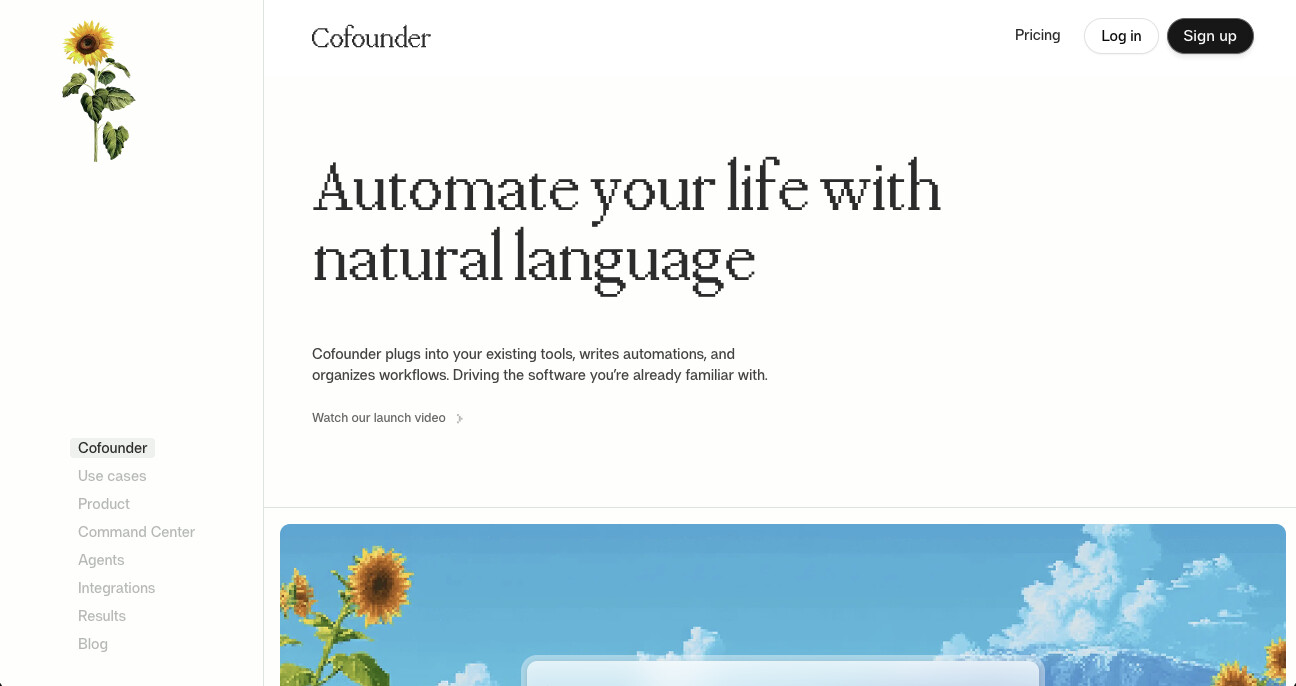
Cofounder is a newer tool created by The General Intelligence Company of New York. It's like your personal AI agent that can help you with tasks like managing your inbox, to-dos, and general tasks across tools like Notion, Linear, Gmail, Slack, etc.
It feels more like a sidekick for someone running a startup, which makes a lot of sense given their name is "Cofounder." And while it is a more simple AI agent compared to some other tools in this space, I think that's the point.
It tries to be less bloated and more customizable (in a good way) and is designed specifically for personal tasks in your day to day.
While I do think Claude Cowork is trying to eat their lunch, Cofounder has this look and feel about it that just makes it a joy to interact with. You can tell the team has great taste, both form and function. And because of that, I thought it deserved an honorable mention.
Cofounder pricing
Cofounder has usage-based pricing that starts at $39.99 per month for 4,000 credits. The pricing scales as your automations do, and custom pricing is available for higher usage.
If you'd like to preview your monthly cost, check out their pricing page.
5. Make
- Best for: Freelancers and startups looking for an affordable Zapier alternative
- Pricing: Free plan, then starts at $10.59 per month
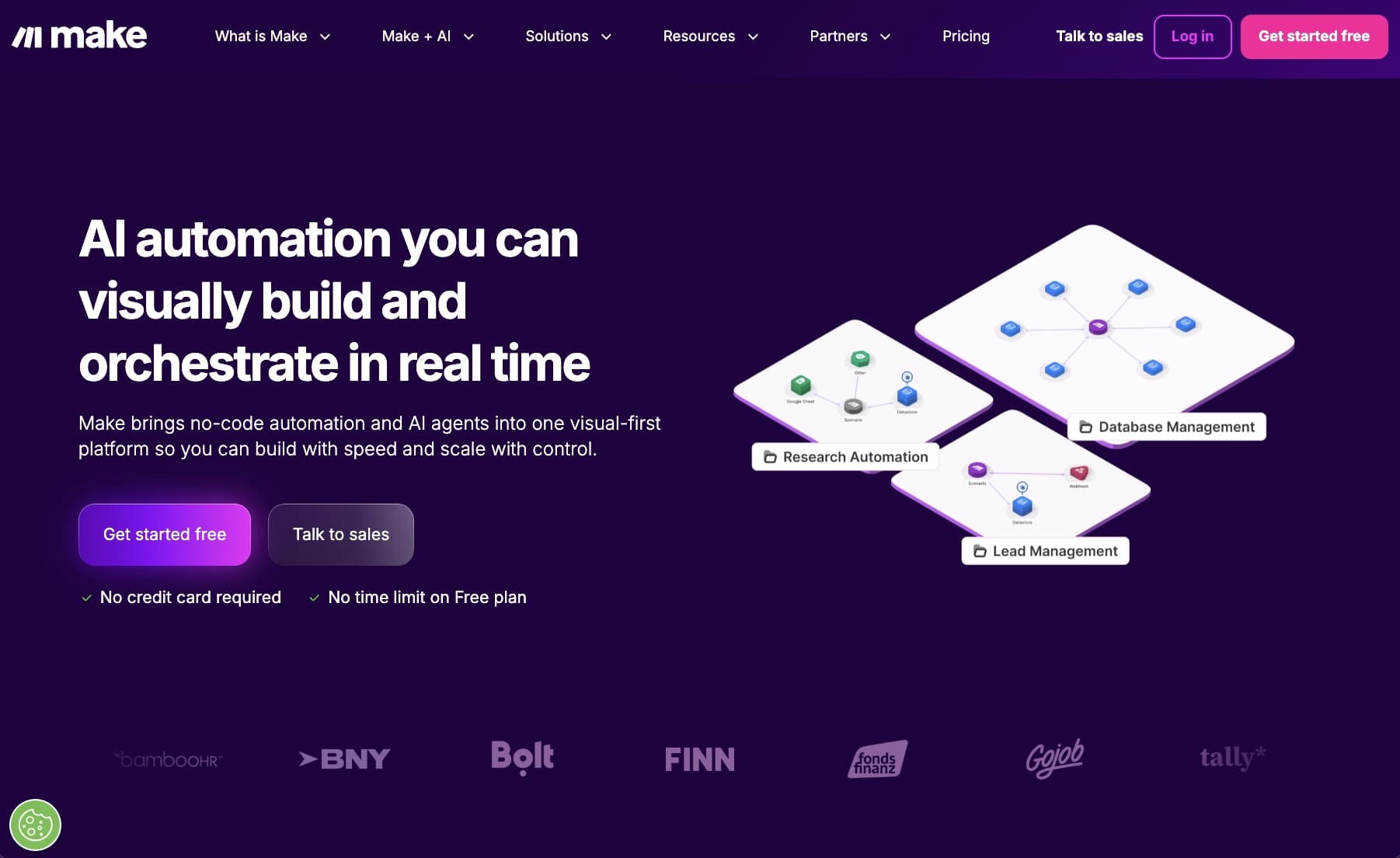
Make (formerly Integromat) is an AI automation tool that has been around for a few years. And it's been extremely popular with freelancers, solo operators, and startups for its wide range of integrations and affordable price.
But now, with AI, you can use Make to create an ecosystem of agents. The platform has a similar feel to Zapier if you've ever used that tool. It's basically the more affordable version of Zapier.
What makes Make stand out is their new AI Agents feature. These are goal-driven agents that can adapt in real time to your business needs. Instead of having to pre-define every possible scenario in your workflow, the AI can handle edge cases and optimize dynamically without you having to step in.
Make also has over 3,000 pre-built app integrations, which is pretty wild. So if you're already using tools like Slack, Notion, Gmail, or any of the major LLMs (OpenAI, Claude, Gemini, Mistral), you can connect them all together for end-to-end automation. And the visual builder makes it easy to see exactly how your workflows are running.
If you're looking for a more affordable alternative to some of the pricier AI agent platforms on this list, Make is definitely worth checking out.
Make pricing
Here are Make's pricing plans:
- Free: $0 per month for 1,000 credits. Includes the visual workflow builder, 3,000+ app integrations, and customer support.
- Core: $10.59 per month for 10,000 credits. Includes unlimited active scenarios and access to the Make API.
- Pro: $18.82 per month for 10,000 credits. Includes priority scenario execution and custom variables.
- Teams: $34.12 per month for 10,000 credits. Includes team roles and the ability to share scenario templates.
- Enterprise: Custom pricing. Includes 24/7 support, advanced security features, and access to their Value Engineering team.
If you'd like to compare their plans, be sure to check out their pricing page.
Make ratings
Here's what customers of Make rate the platform on 3rd-party review sites:
- G2: 4.6 out of 5-star rating (from +267 reviews)
- Capterra: 4.8 out of 5-star rating (from +406 reviews)
6. HockeyStack
- Best for: Enterprise B2B marketing teams
- Pricing: Starts at $2,200 per month
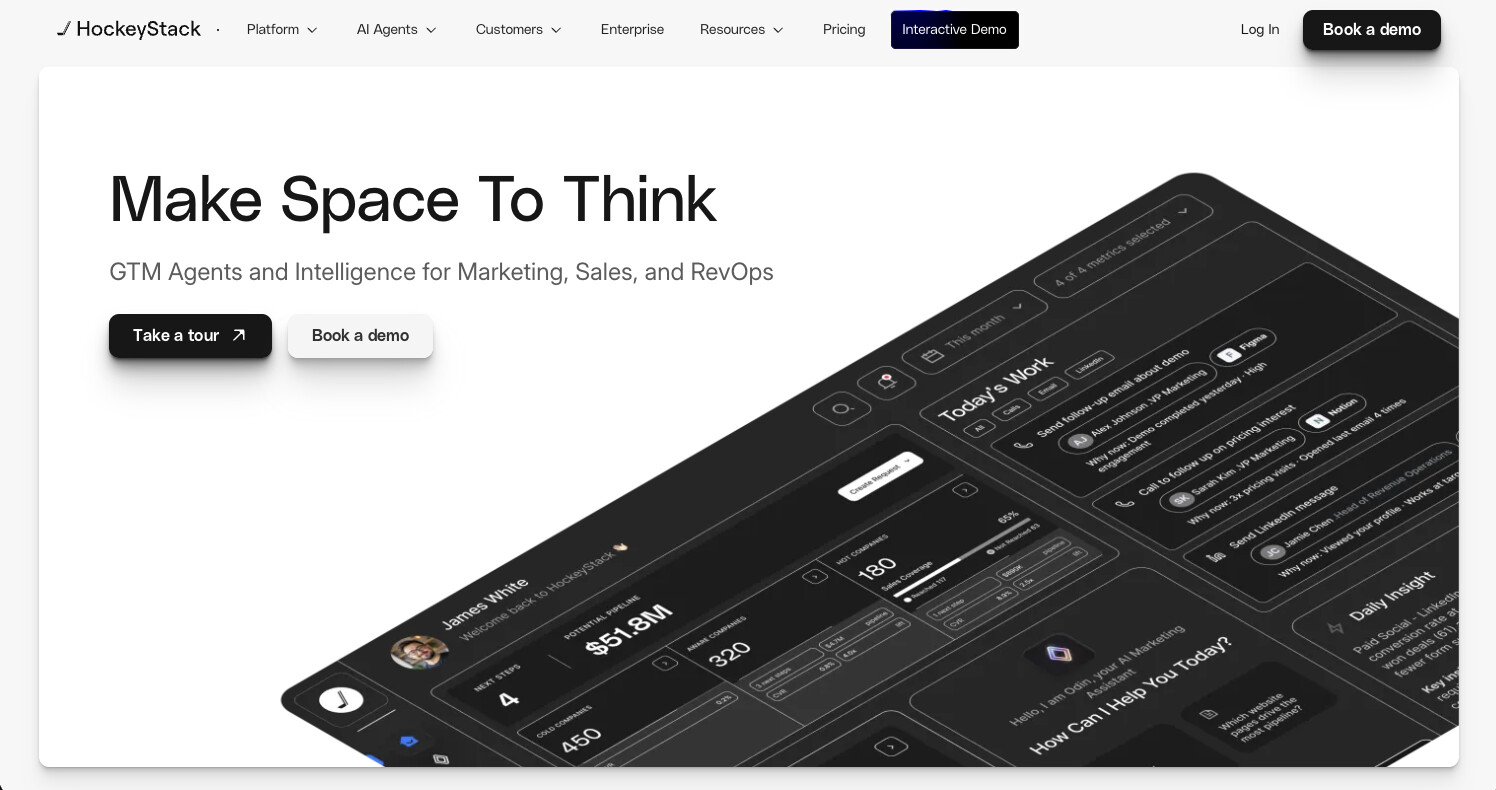
Founded in 2021, HockeyStack is an AI agent builder designed for enterprise marketing teams. Originally, the company was designed for B2B revenue operations but it looks like they’ve made a pivot into the AI agent space.
HockeyStack is definitely on the premium side compared to the tools we’ve gone over so far. It’s not really a self-serve tool (as of writing this). And it’s mostly used by larger enterprises with big budgets.
But, HockeyStack is more than just an AI agent software. The platform also integrates with your data sources to give you internal insights with AI. It also has analytics and attribution data so you can measure multi-touch attribution.
It’s a powerful tool, and it makes sense why they went up-market and focused on larger enterprises. I recommend booking a demo if you work at a large company and are at the executive or director level.
HockeyStack ratings
Here’s what customers of HockeyStack rate the platform on 3rd-party review sites:
- G2: 4.7 out of 5-star rating (from +67 reviews)
- Capterra: 4.9 out of 5-star rating (from +26 reviews)
7. Stack AI

- Best for: Enterprise companies and SMBs
- Pricing: Has a free plan, then custom enterprise pricing
Founded in 2022, Stack AI is a no-code platform designed to help you deploy automated workflows and AI apps (aka agents). Similar to HockeyStack, it was designed initially for larger enterprises over small businesses.
However, that’s what they advertise on their site. The pricing structure says otherwise, so it does feel more like a mid-market SaaS tool.
Similar to Gumloop, Stack AI also has a large library of templates you can pick and choose from. They also have some really cool customers across industries like healthcare, finance, and education. So if you’re also in those spaces, this tool is worth looking into.
Stack AI pricing
Stack AI has a generous free plan that includes up to 500 runs per month. However, if you need more runs, you’ll want to upgrade to a paid plan.
Here are Stack AI’s pricing plans:
- Free: $0 per month and comes with 500 runs per month.
- Enterprise: Custom pricing with a custom amount of runs per month. Contact for pricing.
All paid plans come with a 7-day free trial so it’s worth signing up for and playing around with. You’ll also get a nice discount if you pay for an annual subscription.
Stack AI ratings
Here’s what customers of Stack AI rate the platform on 3rd-party review sites:
- G2: 4.7 out of 5-star rating (from +14 reviews)
- Capterra: Still needs to be reviewed (see link)
I wrote a full in-depth Stack AI review you can check out too.
8. Voiceflow
- Best for: Customer support teams.
- Pricing: Includes a free plan, then starts at $50 per month.
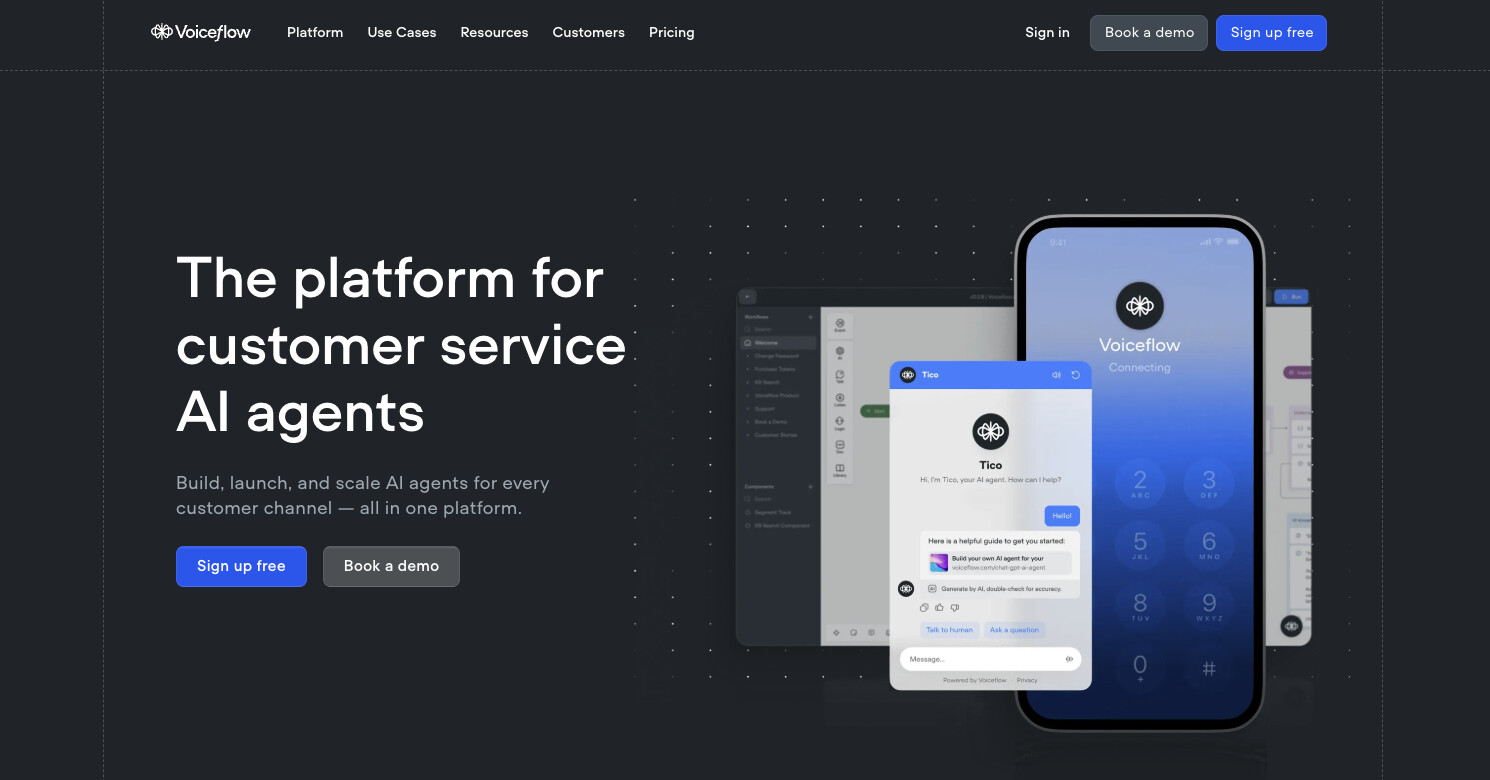
Voiceflow has been around for some time now. And over the years, they’ve become the go-to platform for creating voice apps. Now, with AI and LLM capabilities, Voiceflow allows you to create customer support AI agents.
It has a visual editor that makes it easy to drag and drop elements onto a page. This makes it a great no-code tool with a minimal learning curve if you don't have extensive coding experience.
I highly recommend checking out this platform if you need help answering support tickets or need more bandwidth on the customer service side of your team or business.
Voiceflow pricing
Here are Voiceflow’s pricing plans:
- Sandbox: Free for 100K monthly AI tokens.
- Pro: $50 per month for 4M monthly AI tokens
- Team: $125 per month for 20M monthly AI tokens
- Enterprise: Custom pricing.
If you’d like to compare their plans or request enterprising pricing, be sure to check out their pricing page.
Voiceflow ratings
Here’s what customers of Voiceflow rate the platform on 3rd-party review sites:
- G2: 4.7 out of 5-star rating (from +39 reviews)
- Product Hunt: 4.5 out of 5-star rating (from +99 reviews)
9. OpenAI's Operator

- Best for: Consumer AI agents.
- Pricing: Starts at $199 per month.
OpenAI’s Operator recently launched and it looks like the ultimate AI agent platform the market has seen. I only included it higher in the list because it is still very new (and in beta) and out of reach for many users. That may change in the near future though.
You can give Operator pretty much any web-based task and it will go do it like a human. As Dharmesh Shah (CTO of HubSpot) said on LinkedIn: Operator’s launch means “every website suddenly becomes ‘programmable’ (even without APIs).” Which is a game changer for how we will automate tasks in the future.
For example, you will be able to tell Operator to go and book an entire trip for you — from booking your flights, all the way to your hotel.
There aren’t a lot of reviews on the platform yet, but this is a cool Reddit thread to go through if you want to see the power of the platform.
10. Devin AI

- Best for: Programming assistant.
- Pricing: Starts at $500 per month.
Devin AI has made a lot of buzz on tech X (Twitter) recently. It’s an AI agent for developers to help them code programs. It’s pretty much a junior developer who is your AI teammate.
The platform advertises it as a co-worker who can program. It can help you set up development environments, has its own shell, a built-in code editor, and even its own browser.
It’s a very promising tool for the development space. But, it has some mixed reviews. Then again, people in tech (especially engineers) are super skeptical about new technologies that claim to take over their jobs. And with good reason.
But, Devin AI seems to be promising and I can imagine it getting better over time.
11. AirOps

- Best for: SEO teams at large agencies or companies.
- Pricing: Includes free plan, then starts at $199 per month.
Founded in 2021, AirOps is an AI agent builder for SEO and organic growth teams (like me!). It’s another tool I’m really excited about for the marketing and content space.
Given I run an SEO agency and have a content marketing course, I’m always on the lookout for tools that can help me, my clients, and my students. This is one of those tools I’m actively using and playing around with right now so I thought I’d mention it in this list.
They also have an AirOps Academy which aims at teaching you how to use the platform and the different use cases it has. I highly recommend checking it out.
AirOps pricing
AirOps has a free plan for up to 1,000 credits (with 1 user seat). However, if you want more credits you will have to upgrade. And the tool does run a little more on the premium side so it’s probably best for larger agencies or companies.Here are AirOps’ pricing plans:
- Solo (free): $0 per month for up to 1,000 credits
- Solo (paid): $199 per month for up to 10,000 credits
- Scale: Custom pricing for businesses.
- Agency: Custom pricing for larger agencies.
If you want to compare plans or contact them for their Scale or Agency plans, be sure to check out their pricing page.
AirOps ratings
Here’s what customers of AirOps rate the platform on 3rd-party review sites:
- G2: 5 out of 5-star rating (from +1 review)
- Product Hunt: 5 out of 5-star rating (from +24 reviews)
You can read my full AirOps review here.
12. Zep

- Best for: Enterprise AI agent development.
- Pricing: Includes free plan, then starts at $99 per month.
Zep (also known as Zep AI) is an AI tool that gives developers the “scalable blocks” to create production-ready AI agents and apps.
It’s not a no-code AI agent builder like the tools we’ve gone over so far. Rather, it's a memory layer designed to enhance any existing agent framework or AI agent. The tool helps developers programming technical AI agents in Python or other languages to add better memory capabilities to their apps.
So if you develop AI apps had large companies, like WebMD or Athena (some of their customers), this is a tool you might want to look into. But if you’re a smaller business or Solopreneur, this is not the typical AI agent software you’d be looking for.
Zep pricing
Here are Zep’s pricing plans:
- Free: $0 per month, and includes 2,000 messages/month.
- Team: $99 per month, and includes 75K messages/month.
- Growth: $640 per month, and includes 500K messages/month.
- Enterprise: Contact for pricing.
If you want to compare the different plans or contact their sales team for enterprise pricing, check out their pricing page here.
13. Postman

- Best for: Engineers developing AI agents.
- Pricing: Includes free plan, then starts at $19 per month.
Founded in 2014, Postman is a powerful API platform created to help developers design, develop, test, and manage custom APIs. Over the years, Postman has also integrated a customer AI agent builder into their software as well.
The AI agent builder allows you to effortlessly do LLM testing, debugging, API verification, and simplify agent testing. It’s a very technical and developer-heavy platform for technical teams. But, this AI agent builder does aim to make things a bit easier for less tech-savvy folks but integrating a no-code visual builder.
If you already have a programming background, this is a tool I highly recommend checking out. But if you’re looking for something more intuitive, you’re better off using something like Gumloop.
Postman pricing
Here are Postman’s pricing plans:
- Free: $0 per month, and includes 25 collection runs.
- Basic: $19 per user/month, and includes 10K monitor requests.
- Professional: $39 per user/month, and includes 25 packages.
- Enterprise: Custom requirements with custom pricing.
If you want to compare what each plan includes, or contact their sales team for enterprise pricing, check out their pricing page here.
Postman ratings
Here’s what customers of Postman rate the platform on 3rd-party review sites:
- G2: 4.7 out of 5-star rating (from +1,217 review)
- Capterra: 4.7 out of 5-star rating (from +493 reviews)
AI agents: Is it hype or the future?
This is it, AI agents are going to take your job (and mine). Just kidding. I think we are still a long way away from AI agents completely taking over our jobs.
But, these tools are getting more powerful. And I think you should actually be excited about that. This means that the side project you had can now be achievable with less work. It also means your job can become more creative and fun by automating the repetitive tasks you used to do.
If your job solely relies on manual tasks with no thinking, then these tools can feel like a threat. But if you’re in a creative field, these tools are going to be amazing for your growth in your career and work. I know I’m excited.
So are AI agents hype or the future? I believe they are the future. However, I do think there is a bit of hype around them currently. Tools like Gumloop or Postman have already proven themselves to be great. And pretty much every tool I mentioned in this list is amazing.
But I would be weary of other “cheap” tools that come out claiming to be AI agents. And we will see a lot of them in the next year as investors throw their money at founders creating the next AI craze.
Anyway, I hope you got some value from this post and enjoyed it as much as I enjoyed researching and writing it in Philz Coffee (one of my favorite coffee spots).
Happy creating!
agree to our Terms.










Get the weekly newsletter keeping +33,000 marketers in the loop.